Microsoft Office Standard 2024 — Mac — Digital Licence
Microsoft Office Standard 2024 — Mac — Digital Licence
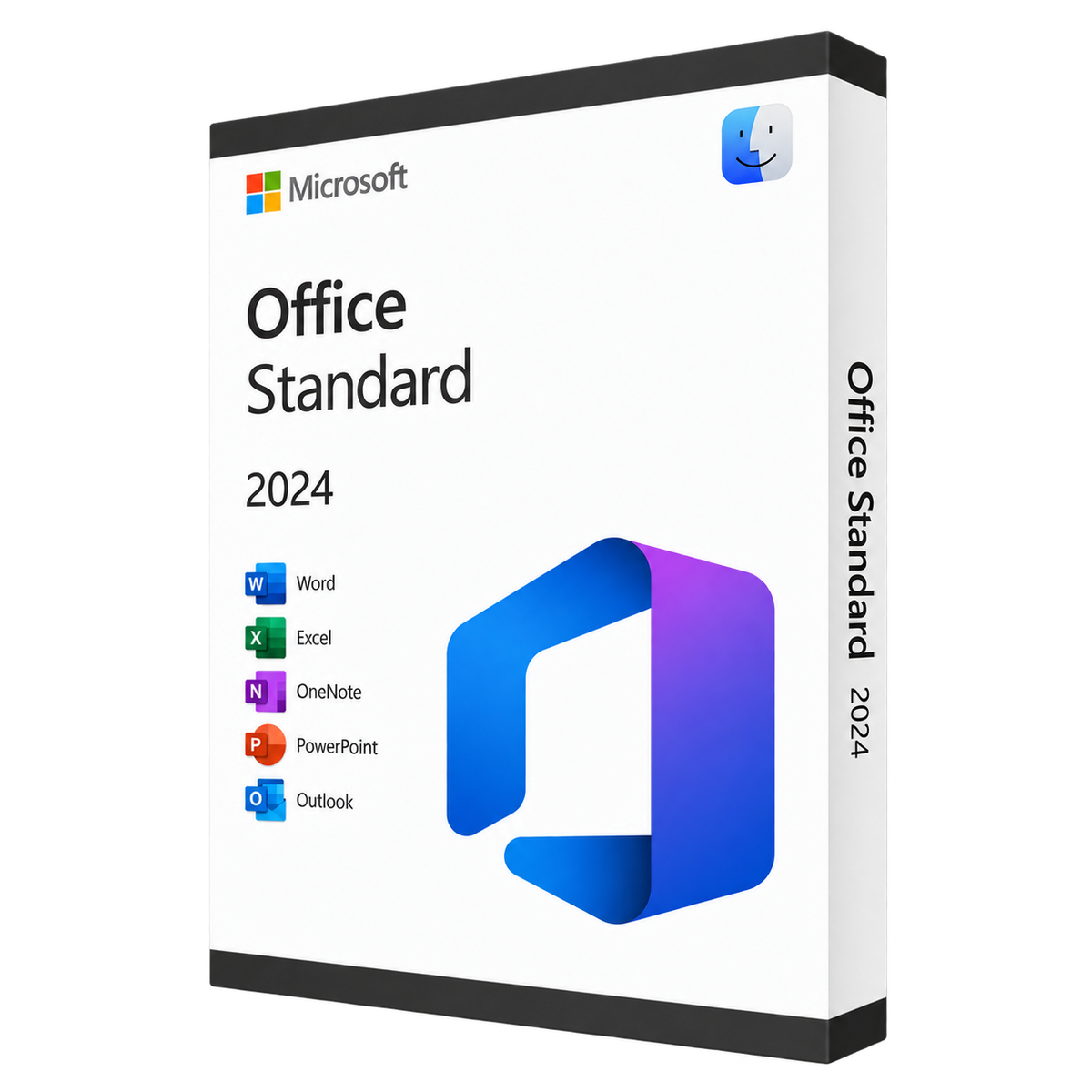
Microsoft Office 2024 Standard for Mac includes all the core apps you need: Word, Excel, PowerPoint, Outlook, and OneNote.
Compatible:
macOS 12 and later (Monterey, Ventura, Sonoma, Sequoia, Tahoe)
Including:
1x Microsoft Office 2024 Standard lifetime license
1x Installation guide + Free support
Free email delivery · Within minutes
Couldn't load pickup availability
 Email delivery
 Secure checkout
 Free support


-
Description
-
Specifications
-
FAQ
Microsoft Office 2024 Standard (MAC)
Microsoft Office 2024 Standard for Mac provides the essential Office applications for work, study, and business use. It includes Word, Excel, PowerPoint, Outlook, and OneNote, all optimized for both Intel and Apple Silicon Macs
This standalone version runs locally on your device with full offline functionality. It is ideal for users who prefer a one-time purchase and lifetime access without ongoing subscriptions.
What’s New in Office 2024 for Mac
Office 2024 introduces a refreshed visual style across all applications, creating a more consistent and modern appearance. The updated design uses a new default theme and color palette, aligning the look and feel of Word, Excel, PowerPoint, and Outlook. 
In Word 2024, session recovery has been improved so that when the app or system closes unexpectedly, open documents can be restored. New support for OpenDocument Format (ODF) 1.4 enables broader compatibility with non-Microsoft document standards. Users can also delete all resolved comments at once, and toggling among view modes is more fluid. 
Excel 2024 sees the addition of dynamic charts built on dynamic arrays, meaning charts can automatically adjust when array data changes. New text and array functions expand formula flexibility, and general performance optimizations help with faster workbook load times. 
For PowerPoint, a Recording Studio feature enables advanced recording setups, and the new “Cameo” feature allows embedding a live camera feed within your presentation slides. 
In Outlook 2024, search functionality is enhanced to return more relevant results across emails, attachments, contacts, and calendar entries. Meeting creation options are refined, and Mac users can customize left/right swipe gestures for navigation. 
Across the suite, accessibility tools have been refined to help users create more inclusive content, and general stability improvements ensure better performance on both Intel and Apple Silicon Macs.
What’s included in Office 2024 Standard?
- Word 2024
- Excel 2024
- PowerPoint 2024
- OneNote 2024
- Outlook 2024
Office 2024 Standard for Mac includes a perpetual license that provides lifetime activation with a single one-time purchase.
This is the LTSC version of Microsoft Office 2024 Standard. It only receives security updates and no new feature updates. It is also the only version of Office 2024 Standard currently available on the market.
If you prefer a version that includes ongoing feature updates, we recommend Microsoft Office 2024 Home & Business (PC & Mac) or Microsoft Office 2021 Home & Business (Mac).
Buy Office 2024 Standard for Mac
Get Office 2024 Standard for Mac and receive your digital license key instantly. Download and activation instructions are included for quick setup. Our support team provides free installation assistance and is always available to help with any questions or guidance.
Specifications
Language
All languages
Installation Method
Digital Download
Delivery
Instant by e-mail
License
Permanent, no subscription
Activation
1 MAC
Brand
Microsoft
Year
2024
Supported Operating System
macOS 12 and later (Monterey, Ventura, Sonoma, Sequoia, Tahoe)
FAQ
Is this a subscription?
This is a one-time purchase including a product license that can be used with no time limit, and without requiring a subscription.
How is the license activated?
Upon purchasing a digital product from us, an activation guide will be promptly delivered to your email. This guide contains all the necessary information to download, install, and activate the product.
Would you need further assistance or have more questions? You also get access to priority customer support.
Where do I get my license delivered?
The software and license key you have ordered will be sent to the email address you provided when ordering.
If you cannot find the email, please check your spam first. If it still doesn’t show up, don’t hesitate to contact us via the chat in the lower right corner of the website. We will get back to you as soon as possible.
Is the software authentic?
We only offer official versions of different software, and all product keys can be verified online with the respective publisher. With each purchase, you will receive a receipt and free direct delivery of the software via email.
Can I install it on multiple devices?
No. The license is for a single PC only. If you need to use the software on more than one device, you’ll need to purchase a separate license for each installation.
Do I need internet access to use it?
No, you only need an internet connection for installation and activation. After that, the software runs locally on your computer with no internet connection required.
Is technical support included?
Yes. We offer free technical support for installation and activation issues. If you run into any problems or have questions about your license, our team is ready to assist you.
-
1. Order
Easy, secure ordering from start to finish.
-
2. Download
Your software and instructions, delivered by email within minutes.
-
3. Activate
Follow the guide to install and activate your software.
Need help with your software?
Questions before you buy or help with setup? We’re here to help.